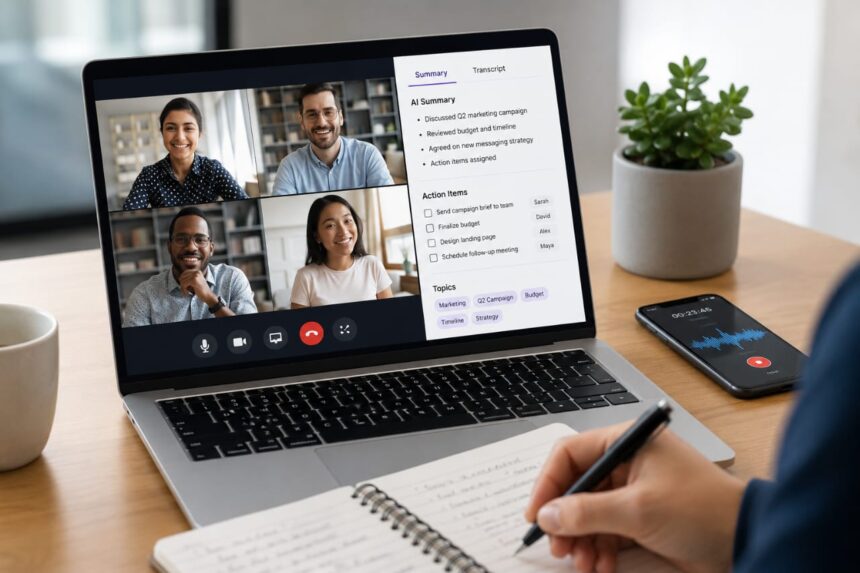
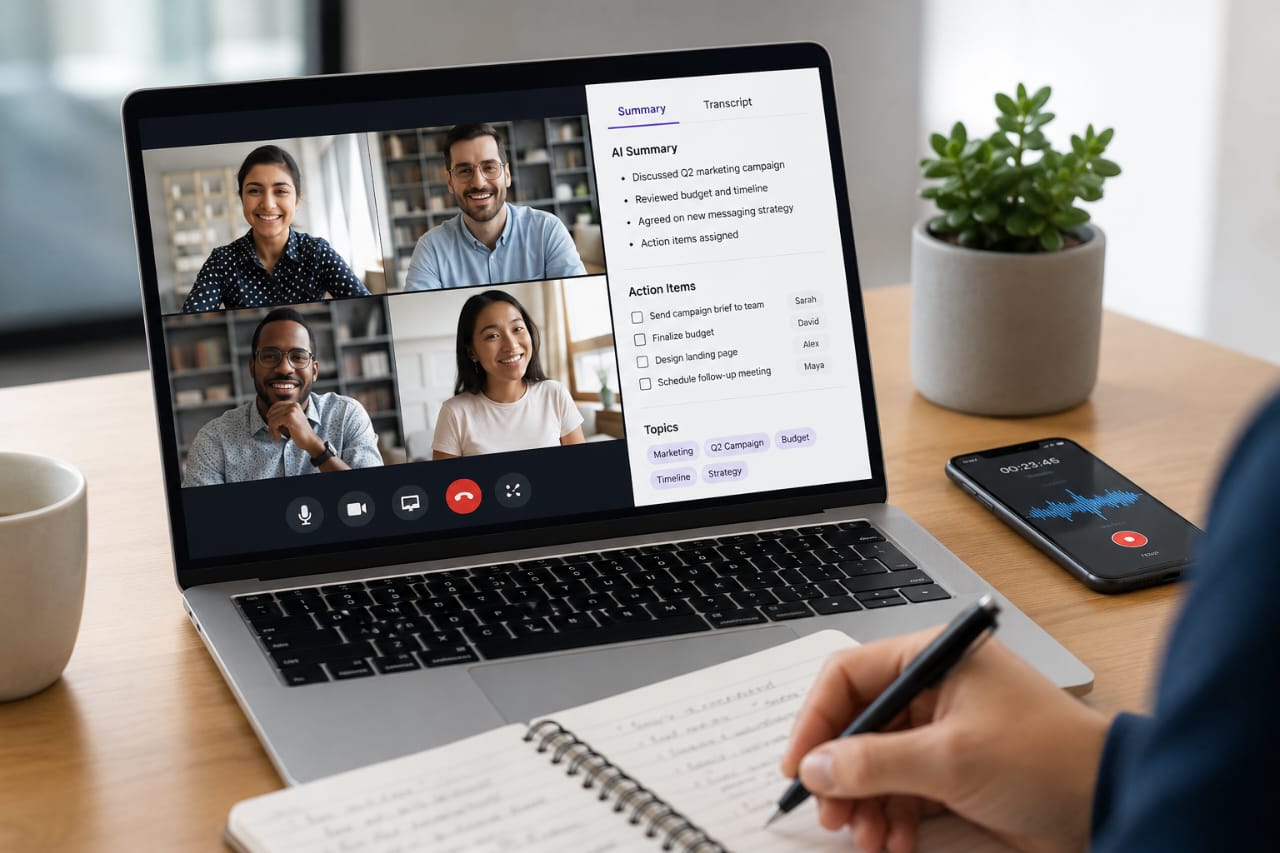
The hardest part of meeting notes is no longer writing them down. It is knowing whether the final summary captured an actual decision, a tentative idea, or something nobody agreed to do.
That is the test I would use for any AI meeting assistant in 2026. Transcription is now table stakes. The better tools can identify decisions, surface action items, answer questions about previous conversations and push useful information into the systems where work actually happens.
I spent time comparing the current options, including standalone meeting assistants such as Fathom, Granola, Fireflies and Otter, specialist platforms such as Avoma and MeetGeek, and built-in alternatives from Google, Microsoft and Zoom. Pricing and features below were checked against vendor documentation in August 2026.
Key takeaways
- Fathom is one of the strongest choices for individuals because its free plan includes unlimited recordings, storage and transcription.
- Granola is particularly appealing if you dislike AI bots appearing as another attendee in your meetings.
- Fireflies is strongest when integrations, searchable meeting archives and workflow automation are high priorities.
- Otter remains a solid general-purpose choice with mature transcription, speaker identification and meeting workflows.
- Avoma is built with sales and revenue teams in mind rather than casual meeting notes.
- MeetGeek offers a useful middle ground between meeting transcription, automation and analytics.
- Notion, Microsoft Teams, Google Meet and Zoom can be better choices when your organization already pays for the platform.
The best AI meeting note-taking apps at a glance
| App | Best for | Free option | Starting paid price | Bot-free capture |
|---|---|---|---|---|
| Fathom | Individuals and small teams | Yes | $15/month | No, traditionally bot-based |
| Granola | Bot-free meeting notes | Yes | $14/user/month | Yes |
| Fireflies | Integrations and searchable meeting archives | Yes | $10/user/month annually | Yes, via Chrome extension |
| Otter | General transcription | Yes | $8.33/user/month annually | Platform dependent |
| MeetGeek | Automation and meeting analytics | Yes | $9.99/user/month annually | Yes |
| Avoma | Sales and revenue teams | 14-day trial | $19/recorder seat/month annually | Platform dependent |
| Notion AI Meeting Notes | Teams already using Notion | Plan dependent | Business or Enterprise | Yes |
Prices reflect vendor pricing checked in August 2026 and can change. Annual billing is used where indicated.
1. Fathom: best overall for individuals
Fathom is the first tool I would put in front of someone who simply wants to stop typing notes during every call.
Its free plan is unusually generous. Fathom says free users get unlimited recordings, unlimited storage and unlimited transcription, with support for platforms including Zoom, Google Meet and Microsoft Teams. The catch is that the free tier limits advanced AI summaries to the first five calls each month; after that, users get a more basic summary format.
The paid individual Premium plan is listed at $15 per month. Fathom adds AI action items, follow-up emails, custom summaries and broader use of its AI features. Its current pricing comparison also includes CRM synchronization with HubSpot, Salesforce and Close. (Fathom pricing)
That distinction between “unlimited transcription” and “unlimited advanced AI analysis” is easy to miss. It is also exactly the kind of detail that can make a free plan look better than it feels after heavy use.
Best for: freelancers, consultants, founders and professionals who want a polished meeting assistant without paying immediately.
2. Granola: best bot-free AI note-taker
Granola takes a different approach from the classic meeting bot. Instead of sending an AI participant into your Zoom, Meet or Teams call, it runs on your computer or phone and uses device audio to create the transcript.
That sounds like a small implementation detail until you are sitting in a client call and don’t want a virtual participant announcing itself in the room.
Granola’s Basic plan is free and allows unlimited meetings, although meeting history is limited. Business costs $14 per user per month and adds full meeting history, advanced models and integrations including Notion, Slack, HubSpot, Attio, Affinity and Zapier. (Granola pricing details)
Another nice touch is the way Granola combines your own rough notes with the transcript. That keeps the human in the loop instead of pretending that a transcript automatically understands what you personally considered important. (Granola’s meeting-notes workflow)
Best for: client-facing professionals, founders, recruiters and anyone who wants meeting capture without an AI bot joining the call.
3. Fireflies.ai: best for integrations and searchable meeting history
Fireflies is closer to a meeting knowledge platform than a simple note-taking app.
The free plan currently includes unlimited transcription and unlimited AI summaries, but storage is capped at 400 minutes per team. Pro is $10 per user per month when billed annually, while Business is $19 and Enterprise is $39. Fireflies supports Zoom, Google Meet and Microsoft Teams, along with transcription in more than 100 languages. (Fireflies pricing)
Where Fireflies becomes particularly interesting is everything that happens after the transcript. Its platform includes meeting search, task management, AI assistance through AskFred, integrations and conversation-intelligence features on higher tiers.
It can also record meetings through its Chrome extension without requiring the Fireflies bot in some workflows. That gives teams another way to handle situations where a visible meeting participant is undesirable.
Best for: sales teams, agencies and businesses that want meeting information to flow into CRM, task and collaboration systems.
4. Otter.ai: best established general-purpose option
Otter is one of the safer recommendations when your main requirement is straightforward: record the conversation, transcribe it accurately and make the transcript useful afterward.
Its free Basic plan includes 300 monthly transcription minutes, live transcription, speaker identification, mobile applications and support for Zoom, Microsoft Teams and Google Meet. The Pro plan is listed at $8.33 per user per month on annual billing, with Business at $19.99. (Otter pricing)
Otter has also added AI meeting workflows and an MCP server, which is a sign of where meeting assistants are heading: the transcript is becoming a source of context that other software can query and use.
Best for: users who want a mature transcription product with speaker identification, search and increasingly capable AI workflows.
5. MeetGeek: best balance of notes, automation and analytics
MeetGeek occupies a useful middle ground. It is not trying to be only a transcription service, but it also doesn’t force every user into the full sales-intelligence model of some enterprise platforms.
The free plan includes three hours of transcription per month, three months of transcript storage, unlimited AI summaries, global search, AI chat, mobile apps and no-bot recording. Its Pro plan is currently $9.99 per user per month with annual billing, adding more transcription, templates, integrations and workflow automation. (MeetGeek pricing)
MeetGeek also supports Zapier, Make and n8n, alongside AI agents and workflows on higher tiers.
For someone who wants meeting notes to trigger actions elsewhere without buying a heavyweight sales platform, that combination is compelling.
Best for: professionals and small teams that want meeting notes connected to downstream automation.
6. Avoma: best for sales teams
Avoma is where the category stops looking like “meeting notes” and starts looking like revenue software.
Its AI Meeting Assistant includes real-time transcription, AI summary notes, automatic recording, AI email follow-ups and an option to save meeting information directly to CRM records. The Startup plan is $19 per recorder seat per month when billed annually, with free viewer and collaborator seats. (Avoma pricing)
That structure makes sense for a sales team where every conversation is part of a larger pipeline. A transcript sitting in an app is useful. A transcript that automatically feeds the opportunity record is much more useful.
For a person who only wants notes from a weekly team meeting, however, Avoma is probably more machinery than necessary.
Best for: sales, customer-success and revenue teams that need conversation intelligence and CRM workflows.
7. Notion AI Meeting Notes: best if your work already lives in Notion
Notion’s approach is deceptively powerful because it removes a step.
Instead of taking meeting notes in one application and then copying decisions into your project documentation, Notion can create the meeting record directly inside the workspace where your tasks, databases and documents already live.
Notion’s AI Meeting Notes feature is currently in beta and is available on Business and Enterprise plans, with eligibility also extending to certain mobile subscriptions that include Notion AI. On the desktop app, Notion can capture system audio and microphone input, making it possible to transcribe both sides of a video call without a meeting bot. (Notion AI Meeting Notes documentation)
There is also a practical advantage here: Notion can add citations in the generated summary that point back to transcript passages. When a summary says someone committed to something, being able to jump back to the source is useful.
Best for: organizations that already use Notion as their documentation and project-management layer.
What about Google Meet, Microsoft Teams and Zoom?
This is the part of the market that is easy to overlook when comparing standalone apps.
If your company already pays for Google Workspace, Microsoft 365 or Zoom, you may already have a meeting assistant built into the software you’re using every day.
Google Meet
Google Meet’s “Take notes for me” feature can automatically create meeting notes in Google Docs, provide a “Summary so far” during a meeting and send the organizer a recap after the call. Google says the feature requires an eligible Workspace edition or Google AI plan. (Google Meet’s “Take notes for me” documentation)
Microsoft Teams
Teams Recap can bring together the recording, transcript, shared files, notes, agenda and follow-up tasks. Microsoft’s Intelligent Recap and Copilot add AI-generated summaries and other analysis, subject to licensing such as Teams Premium or Microsoft 365 Copilot. Microsoft also explicitly warns that AI-generated content can be inaccurate or incomplete. (Microsoft Teams Recap documentation)
Zoom
Zoom’s AI meeting summary uses speech-to-text data to create a summary that can be sent to participants after a host enables it. Zoom currently lists the feature for supported paid Workplace plans. (Zoom Meeting Summary documentation)
The calculation here is simple: before paying for another subscription, check what your existing collaboration suite already includes.
How to choose the right AI meeting note-taker
Don’t start with a feature checklist. Start with the meetings you actually have.
- Decide whether you want a bot. If clients or candidates are involved, bot-free capture may be worth prioritizing.
- Look at your meeting volume. A three-hour free allowance can disappear quickly if you have several calls every week.
- Check where the notes need to go. If the answer is Salesforce, HubSpot, Notion, Slack or a task manager, integration support should influence your choice.
- Test action-item quality. Don’t only read the summary. Check whether the tool correctly distinguishes decisions, questions and proposed actions.
- Review the privacy controls. Check retention, access, storage location, subprocessors and whether your organization can control recording and deletion.
A good test is to run the same 30-minute meeting through two or three tools. Then compare the summaries side by side. Ignore the prettier interface. Look at what each system thought the team actually decided.
The bot-free trend is worth paying attention to
Traditional meeting assistants often join a call as another participant. That remains useful because the software can automatically participate in supported conferencing platforms.
But products such as Granola and Notion show another path: capture the audio locally and keep the meeting itself unchanged.
That design is particularly useful when a client, interview candidate or executive does not need another AI participant appearing in the attendee list. It also makes the software less tied to a single video-conferencing platform.
There is still a responsibility on the person using the tool. Notion explicitly asks users to confirm that participants have consented before transcription begins, and Granola recommends telling participants that the conversation is being transcribed. (Notion recording and consent guidance)
The bigger change: meeting notes are becoming workflow data
The most useful AI meeting assistants are gradually moving beyond the old transcript-and-summary model.
The workflow is becoming something closer to:
- Capture the conversation.
- Identify decisions and commitments.
- Extract action items.
- Answer questions about what was discussed.
- Update the CRM or project system.
- Generate the follow-up message.
Fireflies, MeetGeek, Avoma, Granola and Otter are all adding pieces of this workflow in different ways. Notion is pushing the idea into the workspace itself, while Microsoft, Google and Zoom are doing something similar inside their own productivity ecosystems.
That is a better way to think about the category in 2026. The winning product isn’t necessarily the one with the prettiest transcript. It is the one that reduces the amount of work that happens after the meeting.
My picks
For most individual users, I would start with Fathom. The free offering is strong enough to make a serious evaluation possible without immediately pulling out a credit card. (Fathom pricing)
For a bot-free experience, I would look at Granola first. Its local audio approach changes the feel of the entire workflow. (Granola plans)
For teams with complicated workflows, Fireflies is one of the strongest options. Its search, integrations, task features and conversation intelligence make it considerably more than a transcription tool. (Fireflies pricing)
For sales organizations, Avoma deserves the closer look. Its CRM and revenue-oriented features are designed around what happens after the call. (Avoma pricing)
And if your company already lives inside Microsoft 365, Google Workspace, Zoom or Notion, check the built-in option first. Paying for a separate meeting assistant may simply duplicate functionality you already have.
Final verdict
AI meeting notes have reached the point where transcription itself is no longer a compelling reason to choose one product over another.
The real differences are workflow, capture method, integrations, privacy controls, meeting search and the quality of the conclusions the system draws from a conversation.
For a casual user, that might mean choosing the best free plan. For a sales team, it could mean CRM automation. For a consultant, avoiding a visible meeting bot might be the deciding factor.
The smartest purchase is therefore not simply the app with the longest feature list. It is the one that fits the way your meetings already happen — and removes the most work once everyone leaves the call.

Discover more from Aree Blog
Subscribe now to keep reading and get access to the full archive.