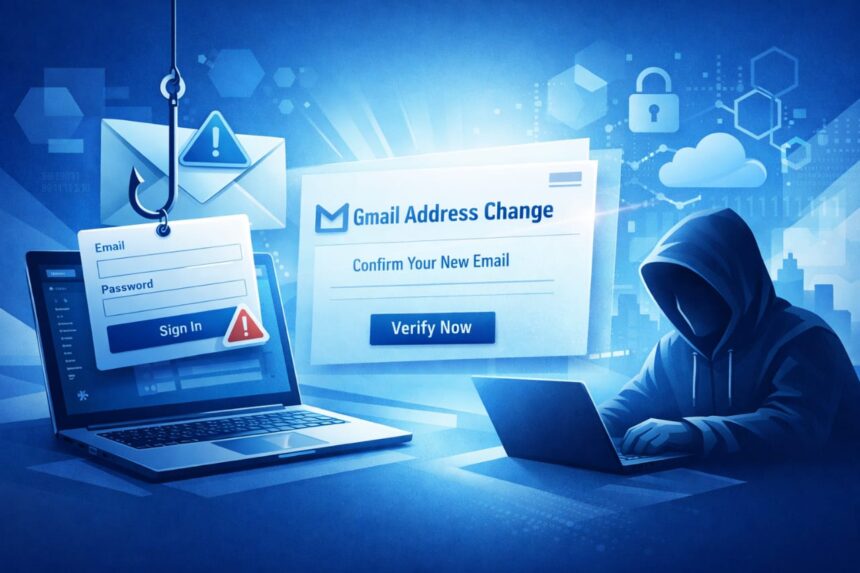
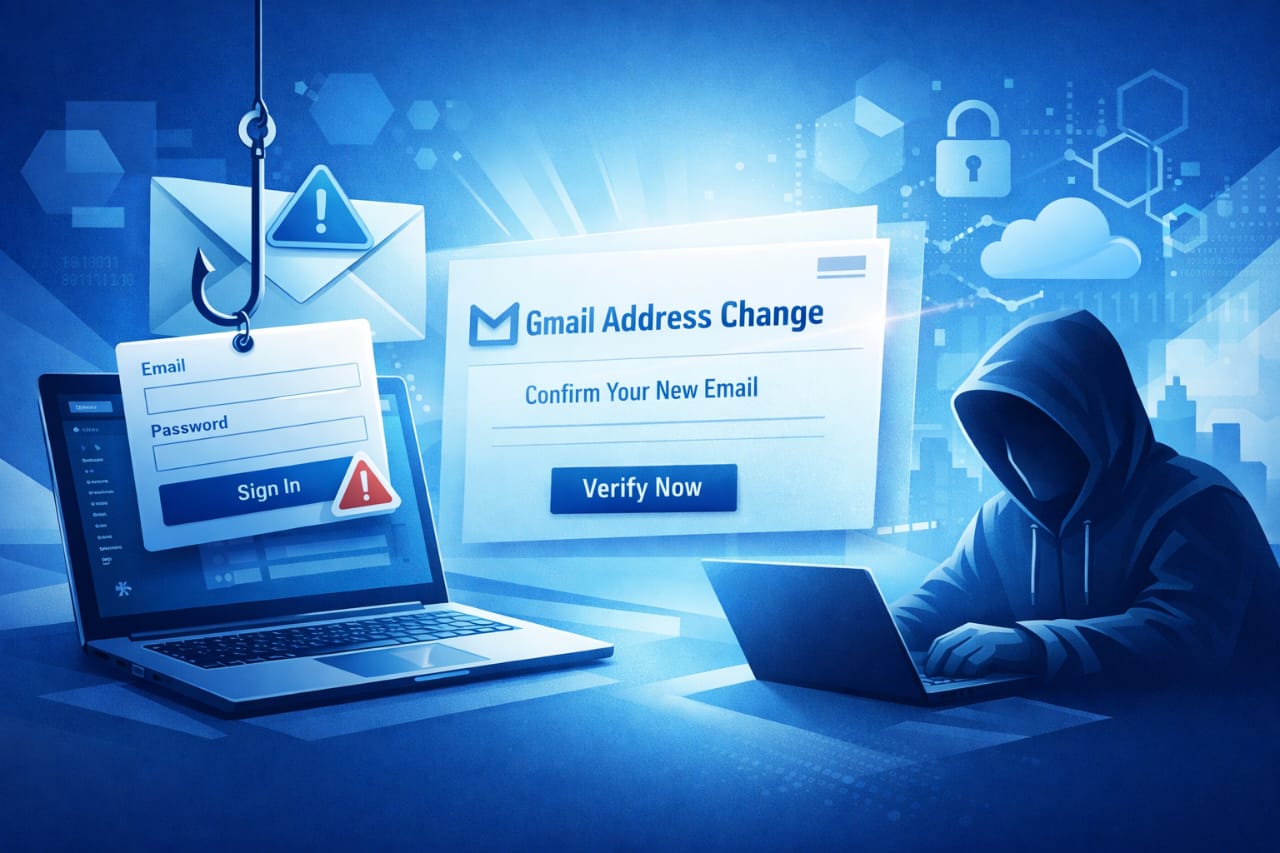
Google recently rolled out a feature that lets people change or add Gmail addresses while keeping their old inbox and history.
That sounds useful, but attackers have used the rollout as a chance to send very convincing phishing messages that tell recipients they must confirm or accept an address change.
Those emails often look like official Google notices and can direct people to convincing sign-in pages.
How the Gmail Phishing Scam Works
The scam plays out like a short social trick plus a technical trick.
First, scammers craft an email that mimics Google system messages about account changes. The message may say your Gmail address has been changed, or that an address change is pending and requires confirmation. The tone is often urgent and the layout closely matches genuine Google notices, which makes people more likely to act quickly.
Second, the message points to a page that looks exactly like a Google sign-in portal. The extra danger here is that attackers are hosting those fake pages on Google’s own infrastructure, for example, on sites.google.com. Because the page lives on a google.com subdomain, it can bypass some filters and feel trustworthy to users.
A separate technical wrinkle is that attackers sometimes reuse or replay legitimate message authentication data so the email appears to pass usual checks (like DKIM/SPF). When authentication and familiar domains line up, an inbox can show a message that looks and behaves like an official alert even though it’s actually a phishing lure.
This combination of polished social engineering and abuse of legitimate infrastructure is what makes the campaign unusually convincing.
How Much Can be Lost if You Click
If you follow the link and enter your Google credentials on a convincing fake page, the attackers can capture your password and use it to access everything tied to that account: email, cloud storage, photos, calendar entries, and services you’ve used Google to sign into. From there they can read messages, impersonate you, recover accounts at other services, or lock you out by changing recovery details. That’s why these phishing emails are so damaging when they succeed.
A small but important point: even if a scam doesn’t immediately steal your password, some phishing pages harvest session cookies or one-time codes in real time, which can allow attackers to bypass simple protections. Treat any unexpected login prompt with extreme caution.
How to Spot this Specific Scam
A useful habit is to pause and treat any unexpected security notice like a puzzle to verify, not a problem to fix immediately.
Look for these signals:
- The message asks you to click a link to confirm an address change you didn’t request.
- The sender’s display name is familiar but the link behind the button goes somewhere unexpected. Hovering over links (on desktop) reveals the true URL.
- The message urges immediate action with vague consequences if you don’t comply.
- The sign-in page is not
accounts.google.com. Real Google sign-in flows use Google’s login domain — not a third-party page — even when some legitimate Google services present embedded views.
If you see any of these, do not enter credentials from that link. Instead, open a browser tab and go directly to your Google account (type accounts.google.com or use your bookmarks) to check notifications. Google’s own guidance on avoiding phishing recommends reporting suspicious messages and never entering credentials on sites you didn’t navigate to yourself.
Practical Steps You Can Take Right Now
You don’t need technical skills to make your account far harder to steal. Keep these concrete actions in mind:
- Turn on two-factor authentication (2FA) or, better yet, use passkeys or a hardware security key. With a physical key or passkey, stolen passwords are far less useful.
- Don’t click links in an unexpected security email. Open a new tab and sign in directly at Google’s official site.
- Keep recovery information current (trusted phone number and recovery email), but check recovery changes carefully: an attacker who controls those can lock you out.
- Use a password manager so you don’t reuse credentials. A password manager also helps prevent you from entering credentials on the wrong site because it usually autofills only on the correct domain.
- Report suspicious emails to Gmail (use the “Report phishing” option) so they can be analyzed and blocked more quickly.
These steps aren’t theoretical. Across many incidents, enabling 2FA and using strong unique passwords stopped attackers even when phishing emails made it past spam filters. The effort to set these protections up pays off immediately.
What Organizations and Platform Owners Should Consider
This wave of attacks shows that features rolled out at scale can be exploited as social engineering hooks.
Platform operators should anticipate how communication about new features will be used by attackers and design release notices to reduce ambiguity, for example, avoid sending account-change messages with embedded links or offer additional verification controls for changes that map to identity.
For companies relying on Google workspace and other hosted services, training staff to recognize legitimate account-change flows and to use organization-level protections (like mandatory 2FA, security keys, and monitoring for anomalous activity) reduces the chance of a single compromised account leading to a larger breach.
Closing Note
Attackers will keep leaning on new features and trusted platforms because that’s where people expect to receive important messages. That makes practical vigilance, slow down, verify, use 2FA/passkeys, and report suspicious mail, the most reliable defense.
Further Reading and Sources
- PCWorld — reporting on phishing campaigns tied to Gmail address changes.
- The Verge — analysis of phishing pages hosted on Google subdomains and how they bypass filters.
- Kaspersky — technical writeup on DKIM replay-style abuses and related tactics.
- Google Support — official guidance on spotting and reporting phishing.

Discover more from Aree Blog
Subscribe now to keep reading and get access to the full archive.