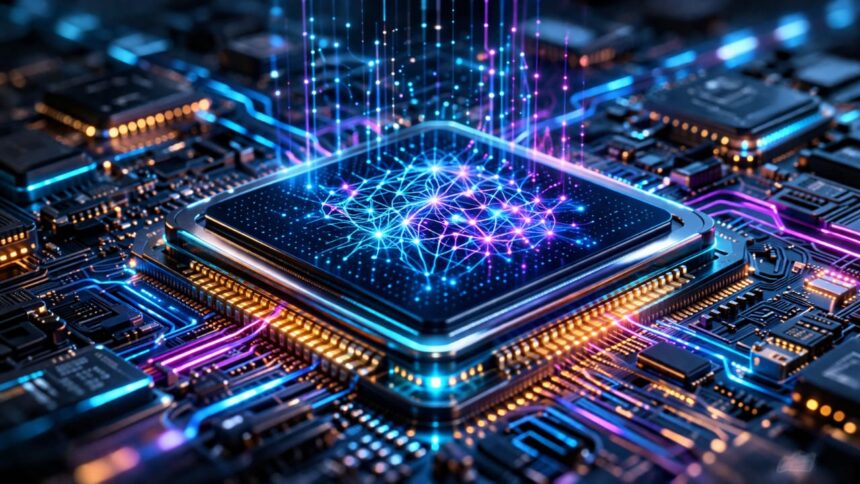
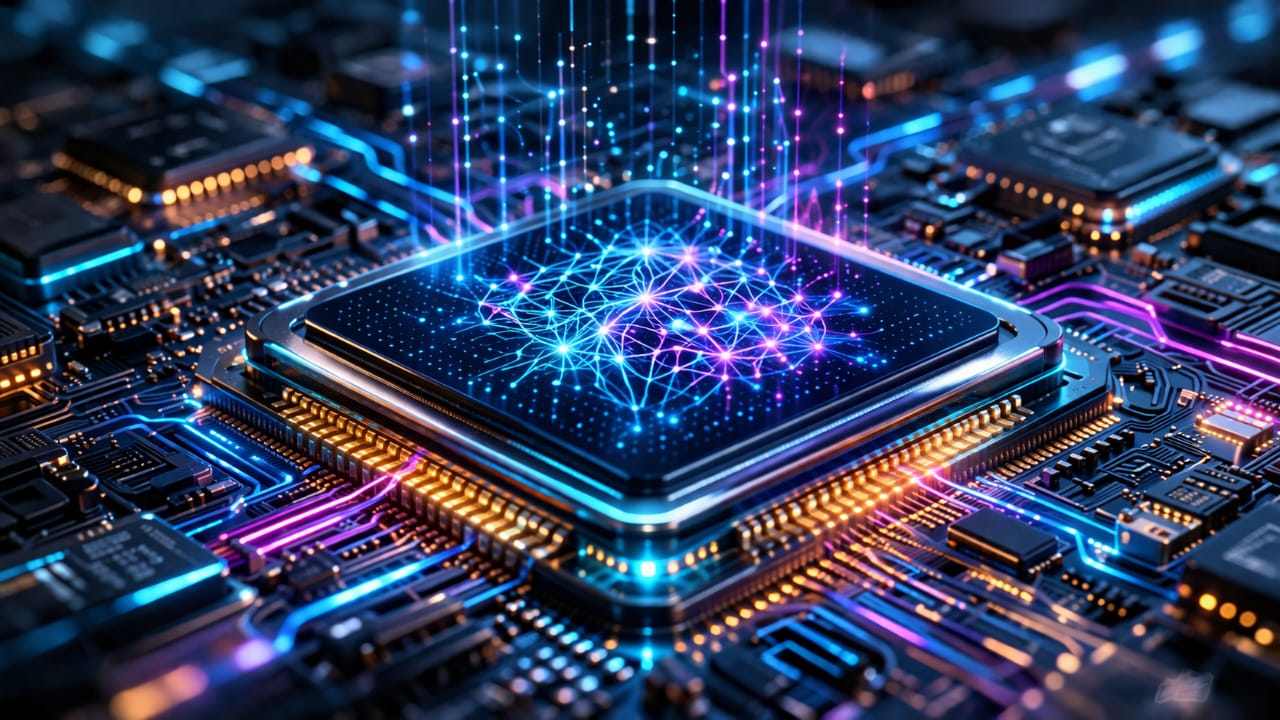
In late 2024, when devices built around chips like Snapdragon X Elite and Intel Core Ultra started shipping, something subtle changed in how AI workloads were handled on consumer hardware. Tasks that previously required a round trip to a server (speech recognition, image generation, summarization) began running locally by default. That shift is largely driven by the on-device Neural Processing Units (NPUs).
The interesting part is not that NPUs exist. They have been in phones for years. What changed is how capable they are, and how aggressively operating systems now rely on them.
An NPU, or neural processing unit, is designed to execute the operations that dominate neural networks: matrix multiplications, convolutions, and attention layers. These are not new problems. What is new is the constraint: running them continuously on a battery-powered device without thermal throttling.
If you look at Qualcomm’s Hexagon NPU architecture whitepaper, the emphasis is not just on compute throughput, but on how data moves through the system. That is where most of the performance gains are coming from.
On-device NPU Performance is Limited by Memory, not Compute
There is a tendency to focus on TOPS numbers, but they are a poor proxy for real-world performance. Two chips with similar TOPS can behave very differently depending on memory bandwidth and data locality.
Modern NPUs are designed to minimize trips to external memory. Each access to DRAM introduces latency and consumes power. To reduce this, newer designs rely heavily on on-chip SRAM and carefully scheduled data reuse.
This is why techniques like tiling and operator fusion are becoming more important. Instead of processing data layer by layer with repeated memory transfers, operations are combined and executed in a way that keeps data close to the compute units.
The same pattern shows up in recent research. The FlashAttention work on arXiv is a good example of how reducing memory movement can produce large performance gains without increasing raw compute.
In practice, this is also why some on-device models feel inconsistent. When a workload exceeds the available on-chip memory, performance drops sharply because the system falls back to external memory.
How Operating Systems Actually Use the On-Device NPU
Most applications do not talk to the NPU directly. They go through abstraction layers provided by the operating system. On Windows, this is increasingly tied into the Windows AI platform. On Android, it is handled through NNAPI. Apple uses Core ML.
These frameworks decide where a model runs. If the NPU supports the required operations, the workload is offloaded. If not, it falls back to the GPU or CPU.
This fallback behavior is easy to miss, but it explains a lot of real-world inconsistencies. The same model can behave differently across devices depending on how well it maps to the NPU’s supported operations.
From a developer perspective, deploying to an NPU is less about writing new code and more about converting and optimizing models. Toolchains handle quantization, graph optimization, and hardware-specific compilation.
The friction is in the details. Each vendor has its own constraints.
On-device NPU is Changing How Models are Designed
Running large models locally forces trade-offs. You cannot assume unlimited memory or power. As a result, models are being redesigned to fit within these limits.
Quantization is the most visible change. Many on-device models run in INT8 or lower precision. This reduces both memory usage and compute requirements, but introduces accuracy trade-offs that need to be managed carefully.
Distillation is another common approach. A smaller model is trained to mimic a larger one, retaining most of its behavior while being significantly lighter.
There are also architectural changes. Some newer models are designed specifically for edge environments, with fewer parameters and more efficient attention mechanisms.
Meta’s LLaMA 2 paper touches on this indirectly, showing how model size and efficiency can be balanced for different deployment scenarios.
The result is a split ecosystem. Large models remain in the cloud, while smaller, task-specific models run locally.
Where On-Device NPU Fits in the CPU–GPU–NPU Stack
There is no single processor handling everything. Modern systems distribute work across CPU, GPU, and NPU depending on the workload.
- CPU handles control flow, scheduling, and general-purpose tasks
- GPU handles large parallel workloads when flexibility is needed
- NPU handles inference workloads that benefit from efficiency
The important detail is that this distribution is dynamic. The system decides where to run a task based on performance and power considerations.
This is also why benchmarking NPUs in isolation can be misleading. Real-world performance depends on how well the system orchestrates all three components.
Security Implications are Still Underexplored
Moving inference onto devices introduces new attack surfaces that are not yet well understood.
NPUs rely on firmware and drivers that have not been studied as extensively as traditional CPU components. This creates opportunities for vulnerabilities at lower levels of the stack.
Model extraction is another concern. When a model runs locally, it can potentially be reverse engineered. Techniques for protecting models in these environments are still evolving.
There is also the possibility of side-channel attacks. Since NPUs execute predictable workloads, patterns in power consumption or timing could leak information about the data being processed.
None of this is widely exploited yet, but the conditions are there.
What to Expect Next from On-Device NPU Development
Short term improvements will likely focus on efficiency rather than peak performance. Increasing TOPS is straightforward. Sustaining that performance within power and thermal limits is not.
There is also a push toward better integration with software. Developers want more predictable behavior when targeting NPUs, and that requires more standardized tooling and APIs.
Longer term, NPUs will become less visible as separate components. They will be treated as part of the default compute environment, similar to how GPUs are now assumed in most systems.
The direction is not speculative. It is already visible in how current devices are designed and how software is evolving to use them.

Discover more from Aree Blog
Subscribe now to keep reading and get access to the full archive.